
CHROME EXTENSION

Mask the parts clients should not see.

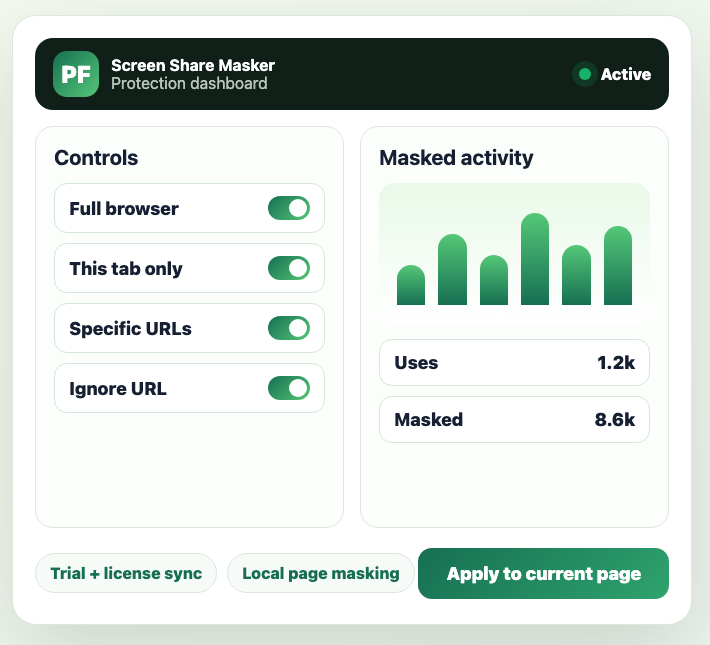
Screen Share Privacy Field Masker hides sensitive browser fields, images, videos, and page content before a demo, support call, or recording starts.

7 day trial Email license sync Admin-managed plans
Full Chrome extension popup showing license, data types, scope, mask controls, media blur, scan, and apply controls
Full extension screenLicense, scope, masking, scan, and apply controls
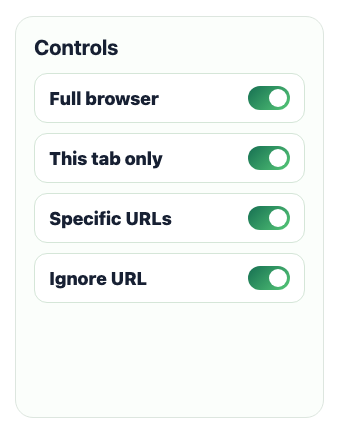
Data type and custom rule controls inside the Chrome extension
Data controlsEmail, phone, card, IP, rules
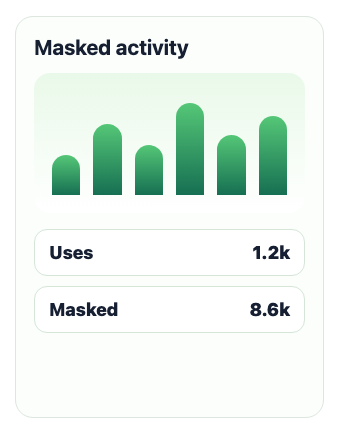
Mask control and media blur options inside the Chrome extension
Media blurImages, videos, intensity
Apply to current page and update controls in the Chrome extension
Action barApply, show page data, version update
01 / BROWSER MASKING

Choose the data types once.

Turn masking on for emails, phone numbers, cards, IPs, names, addresses, usernames, company names, and your own custom words.

Data Types5 selected
Emailclient@example.com
Phone+8801406395900
Card4111 1111 1111 1111
IP192.168.0.12
02 / MASK STYLE

Pick how text should disappear.

Use full masks for private sessions, partial masks when a client still needs to recognise the shape of the data, or blur for screen recordings.

Text Mask OptionsFull
email************
phone••••••••••
card████████
partialclient@*******
03 / SYNC & APPLY

Keep the license state in the popup.

Customers can start a trial, sync an active subscription by email, activate a key, and apply masking to the current page without leaving the extension.

Extension Actionsv1.0.22
Chrome extension action buttons for apply, page data, and update

Coverage that matches real screen sharing.

One Chrome extension handles browser fields, page rules, media blur, trials, subscriptions, license sync, and payment history.

Chrome extension Field scanning, URL scope, custom words, media blur, payment flow. Chrome users
License backend Trial signup, subscription sync, package pricing, invoices, and admin email logs. Admin team
Payments UddoktaPay checkout, retry links, callbacks, and activation emails. Customers
1.0

Install the surface you need.

Install from the Chrome Web Store for automatic browser field masking, URL rules, media blur, and page-level privacy controls.

2.0

Start the trial by email.

Enter email and password. The license key is assigned automatically, then sent to the customer by SMTP.

3.0

Pay when the trial becomes useful.

Customers choose a package, pay from the hosted payment page, and sync the active subscription back into the extension.

Keep the release current from one place.

Use the Chrome Web Store for the main install path, or download the ZIP package for manual extension testing.